A Video Guide to Turning On HD Charts in StockCharts! (Learn QUICK!)
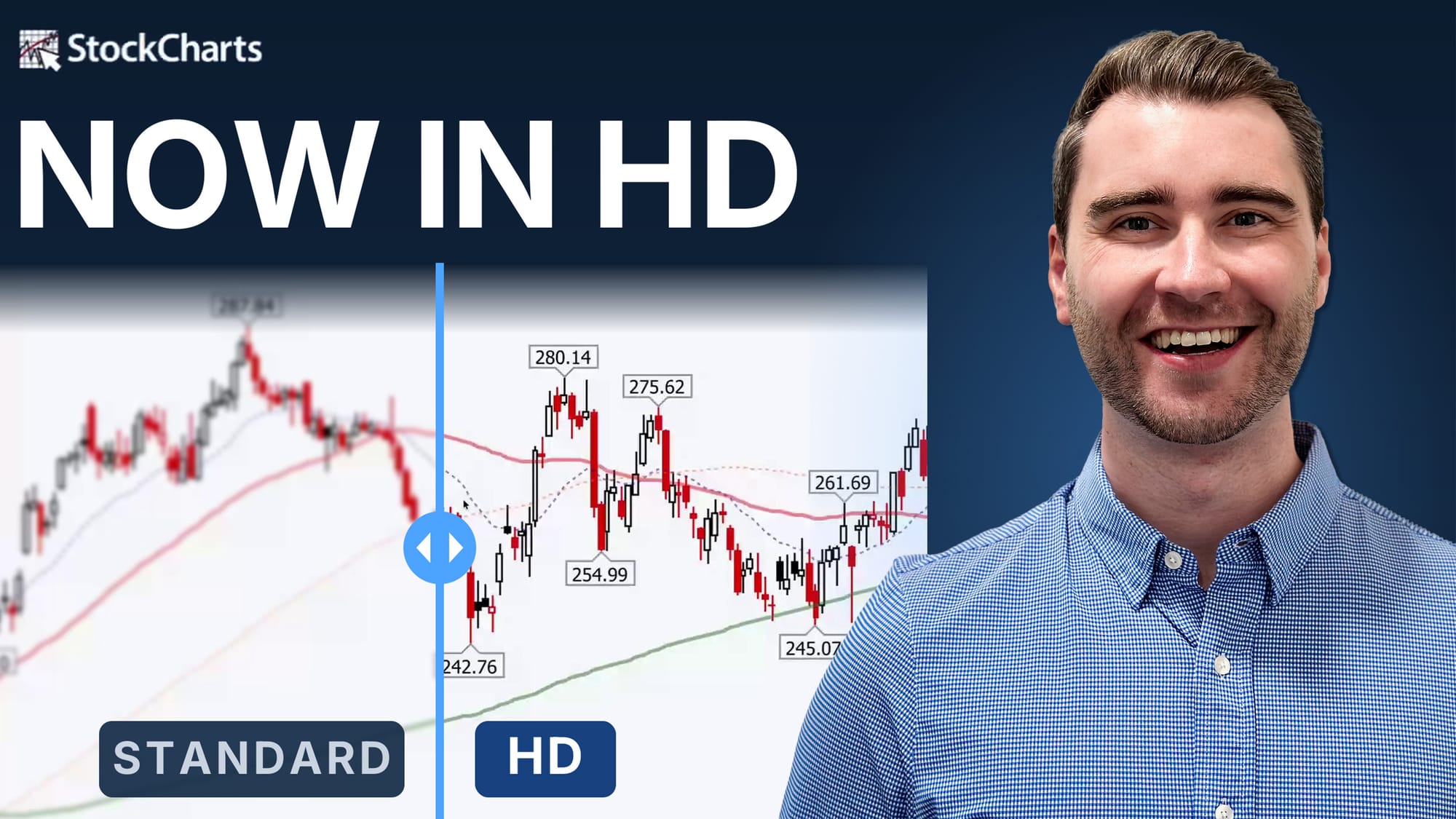
StockCharts' new HD Charts use a new image format (SVG), allowing you to zoom in as far as you want. All the lines, text and annotations will stay perfectly crisp.
HOW TO TURN ON HD CHARTS:
- SharpCharts Workbench: Click the gear icon, then switch on "High Definition Charts."
- Dashboard and ChartLists: Click the gear icon, open Dashboard Preferences, switch on "HD Charts," then click Save. That one setting covers every ChartList view, i.e. CandleGlance, GalleryView, ChartBook, ChartList view and Symbol Summary.
Both settings stick, so you only turn them on once.
Follow along visually with Grayson Roze's in-depth guide to HD charts in the video below!
This video originally premiered on October 15, 2026. Watch it on this page or on our dedicated Grayson Roze page on StockCharts TV. You can view previously recorded videos from Grayson at this link.