StockCharts Insider: More Than a Tool, This AI Chat Assistant Is a Thinking Upgrade
Before We Dive In…
You want to achieve brilliance? Answers aren’t the best measure. But generating great questions is, at least according to ancient wisdom. This distinction is especially relevant when you’re working with an AI-driven chatbot.
The difference between getting the “same old, same old” and actually upgrading your thinking comes down both to the quality of the questions you ask and how actively you engage with the answers.
With that in mind, StockCharts offers a tool you can use to push your skills further: the Chat Assistant. But, like any tool, its value isn’t automatic. It’s not a proverbial pill that immediately makes you smarter. You have to work with it.
If you use it passively, it retrieves information. Sort of like a machine pet. When used actively, it’s a super smart thinking assistant. Smart enough to help transform your skills more rapidly than if you were to go it alone.
What the StockCharts Chat Assistant Actually Does (And Doesn’t Do)
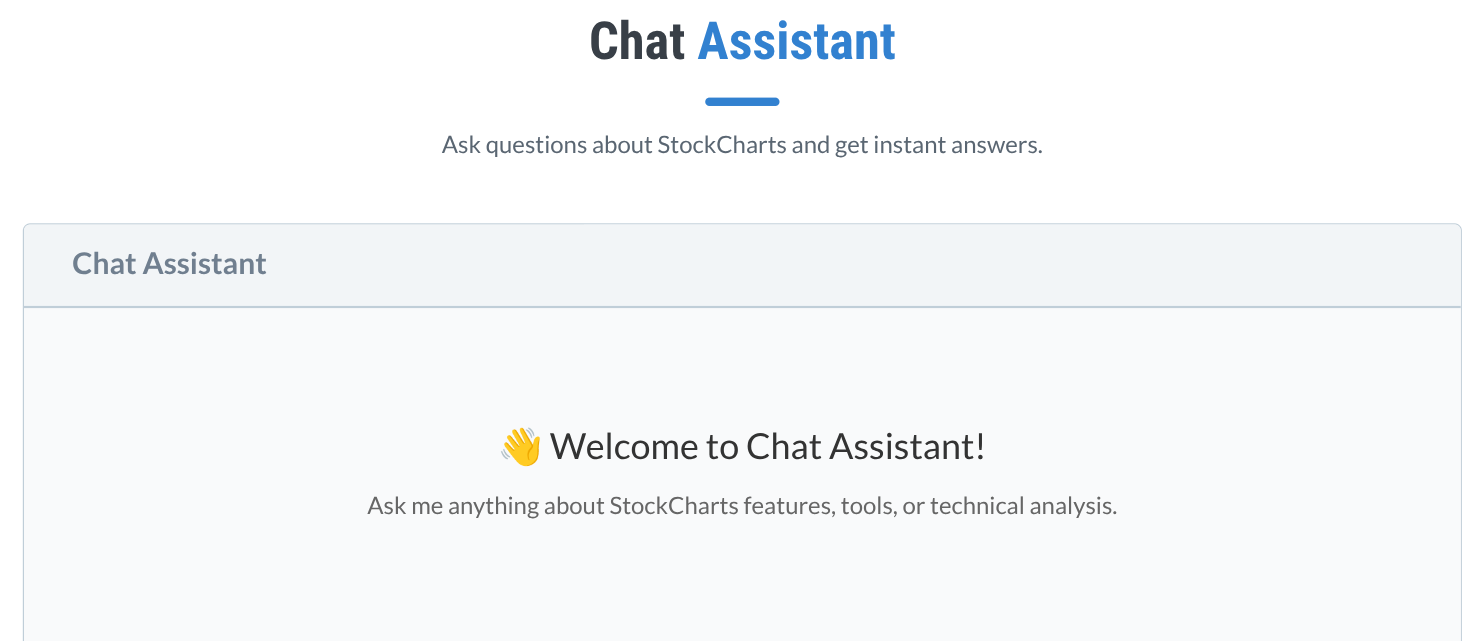
Before we go further, let’s frame the expectations.
You can expect the Chat Assistant to help you with the following:
- Explain indicators, tools, and concepts within StockCharts
- Help translate your broader questions into structured analysis
- Guide you toward features and workflows you may not yet be using
- Help you approach technical analysis from angles you haven’t yet considered
But don’t expect it to replace your judgement. And, of course, don’t ask for any guaranteed outcomes, but you already know that (hopefully).
Don’t Focus on More Answers. Focus on Better Questions.
The typical kinds of questions most traders and investors ask center around two things: first, is it bullish; and second, is it a buy? Those are “low-res” questions.
Smarter thinking happens when you begin asking questions like:
- What defines strength in a given aspect of a market?
- How can you evaluate leadership in this setup?
- What confirms or invalidates the probabilities in this situation?
These are just a drop in the bucket of brainy questions. If you approach Chat Assistant from this perspective, it becomes much more than a help feature; it becomes a thinking assistant. Its capacity virtually exceeds most humans, since, at the least, it doesn’t get tired.
What you’re contributing—something it can’t do—is your own creative guidance. With that added element, you + bot make for a powerful partnership. In short, the simplest way to get more out of the Chat Assistant is to first match your questions to your level, and then push beyond it.
For Beginners: Use the Chat Assistant to Build Awareness
Here are just a few questions you can ask, These questions are broken down into different categories, as you’ll see below.
Do this next: Try these questions and see how the chatbot answers. Afterwards, try coming up with your own questions.
What am I looking at?
- What does it mean when a stock crosses above its 200-day moving average?
- What is RSI and what levels should I watch?
- How do I tell if a stock is in an uptrend?
Where on the platform do I look?
- How do I use the Market Summary page to find strong sectors?
- What’s the difference between new highs and a high SCTR score?
- Follow-up: What’s more promising between the two?
I need help getting started
- How can I start building a simple trading system?
- What indicators should I combine to keep things simple?
- How can I avoid false signals?
Intermediate: Use the Chat Assistant to Build a Process
Can you help me find candidates?
- How can I find a strong stock that has declined significantly but is likely to rebound?
- How do I refine predefined scans into my own process?
How do I move from idea to trade?
- What’s a workflow using Market Summary, Sector Drilldown, or SCTR?
- How can I use CandleGlance to evaluate trends quickly?
- Can you suggest a few effective ways to use multiple timeframes?
Is this trade valid?
- What's a reliable way to confirm a breakout?
- What pairs well with Ichimoku for confirmation?
- How do I filter out weak breakouts?
- How do I combine relative strength with SCTR?
Advanced: Use the Chat Assistant to Interpret the Market
What’s happening beneath the surface?
- What tools can I use to detect breadth divergences and market participation?
- What tools can show me if index leadership is narrowing?
- Follow-up: Are there more I can use?
How can I follow the money?
- How can I use RRG to anticipate sector rotation?
- Are there any tools or scans I can use to track emerging stock leaders?
I need to focus on what matters
- What tools can I use to track stocks' technical and fundamental strength?
- How can I integrate sentiment indicators like AAII or NAAIM?
I need to interpret, not just observe
- What signals suggest institutional accumulation?
- How do I identify distribution phases?
- The OBV and Chaikin Money Flow are going in opposite directions. What does that mean?
- What should I do if the daily trend and weekly trend are moving in opposite directions?
Can I find an edge here?
- What setups tend to fail in high volatility?
- Which candlestick patterns have the highest and lowest probability of success?
What can I stack to get more clarity?
- How do I align sector strength, SCTR, and breadth into one framework?
- How do I distinguish real accumulation from speculative spikes?
Insider Tips: How to Get More Out of the StockCharts Chat Assistant
Insider Tip #1: Chain your questions. Don’t just ask one question. Ask follow-ups. Start broad, then narrow it down. Yes, the Chat Assistant has its limits (and it will tell you when it can’t answer something). But it has a huge knowledge base, and even if you can’t find a specific answer, it will give you something close and point you in the right direction.
Insider Tip #2: Use it to challenge your assumptions. Give it a scenario and ask, “What could invalidate this setup?” This can help you identify risks that you might not have been aware of. It can also help you filter out weaker ideas. It can even answer certain questions to help you gain clarity. For instance, “the markets are trading in a volatile range due to economic and geopolitical uncertainty. What should I do now?” It’ll give you a general, but often smart, answer.
And That’s a Wrap
If used correctly, you can turn StockCharts Chat Assistant into a multiplier of knowledge and skill. If you don’t, it’s just another reference tool. The difference is night and day, and it all begins with the kinds of questions you ask. As I said in the beginning, brilliance is to be found not in answers but in generating smarter questions. In that way, the Chat Assistant is sort of like a mirror: its potency as a multiplier reflects the quality of your input.